
REDX
A downloadable game
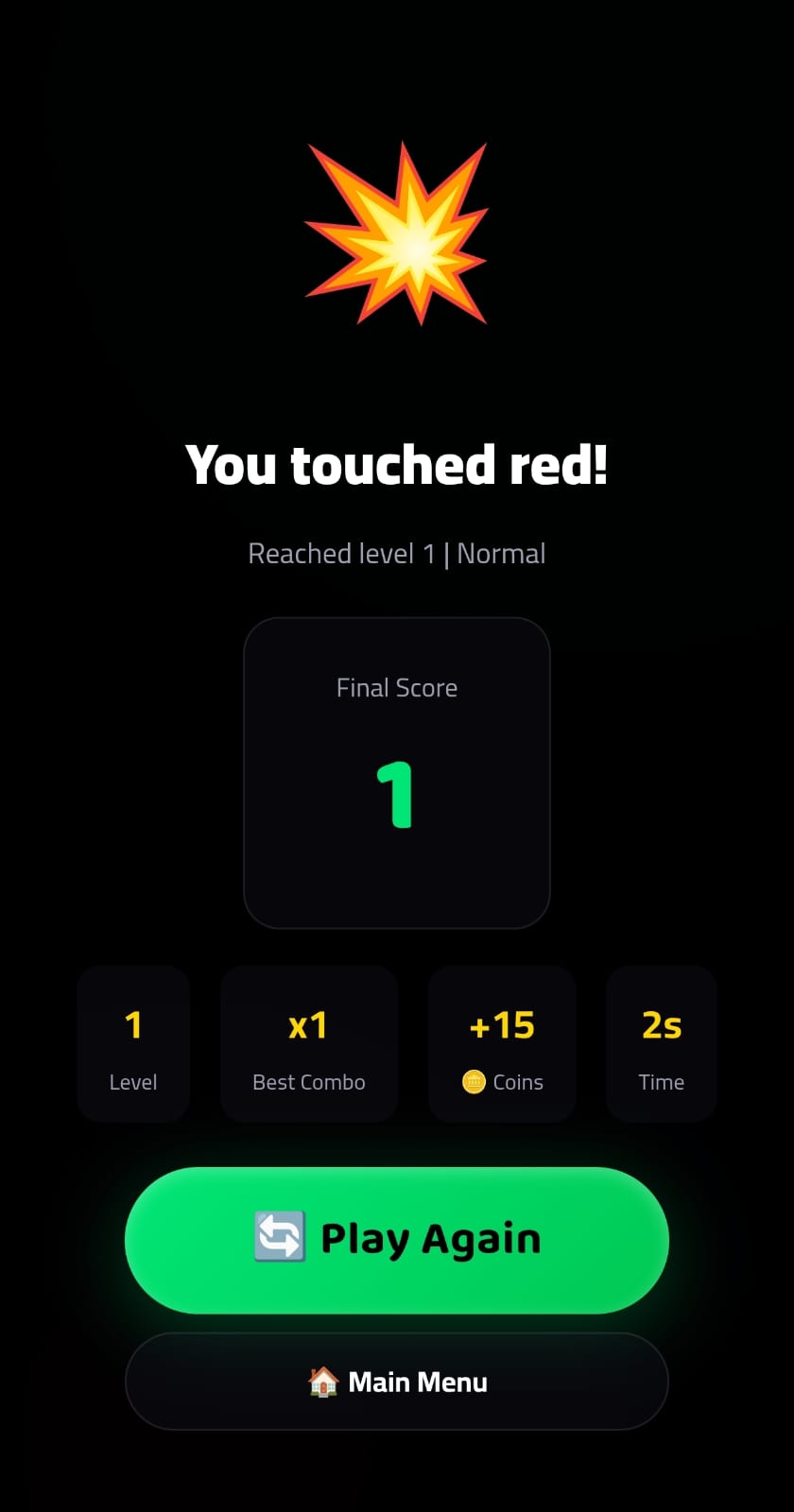
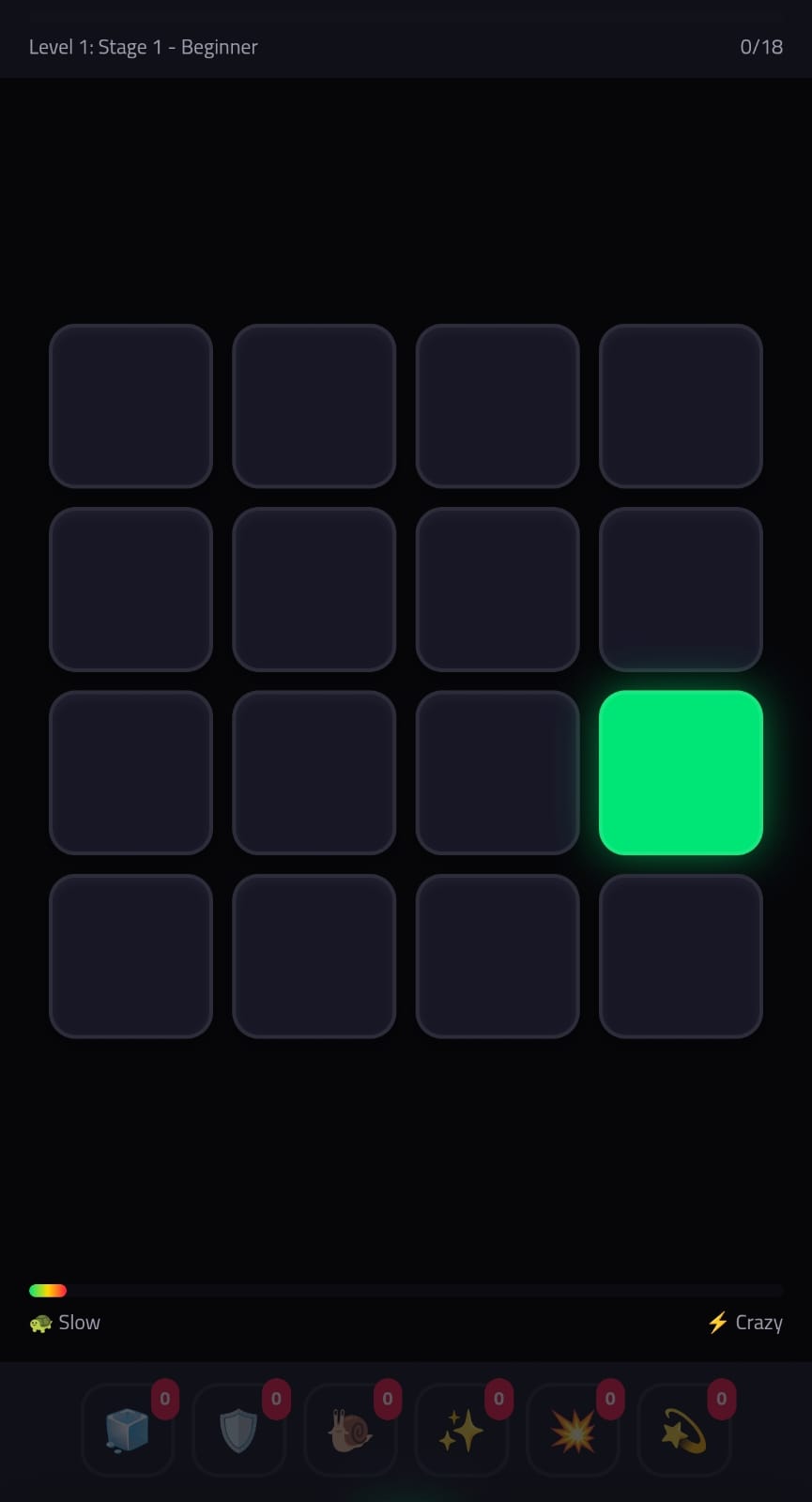
Don't Touch The Red! PRO is an exciting, fast-paced arcade and reflex game designed to test your concentration, speed, and agility. In a sleek and modern gaming environment, your primary mission is remarkably straightforward yet intensely challenging: tap the safe tiles, accumulate points, master combos, and never touch the red!
The game features multiple engaging gameplay modes tailored to different player styles. In Classic Mode, players must push their limits to survive as long as possible while the speed and grid complexity scale upward. For thrill-seekers, Time Attack Mode introduces a pulsating 60-second countdown where every fraction of a second counts toward setting a new high score. Meanwhile, Zen Mode offers a relaxing, stress-free experience designed for casual players who want to enjoy smooth gameplay without the pressure of failure.
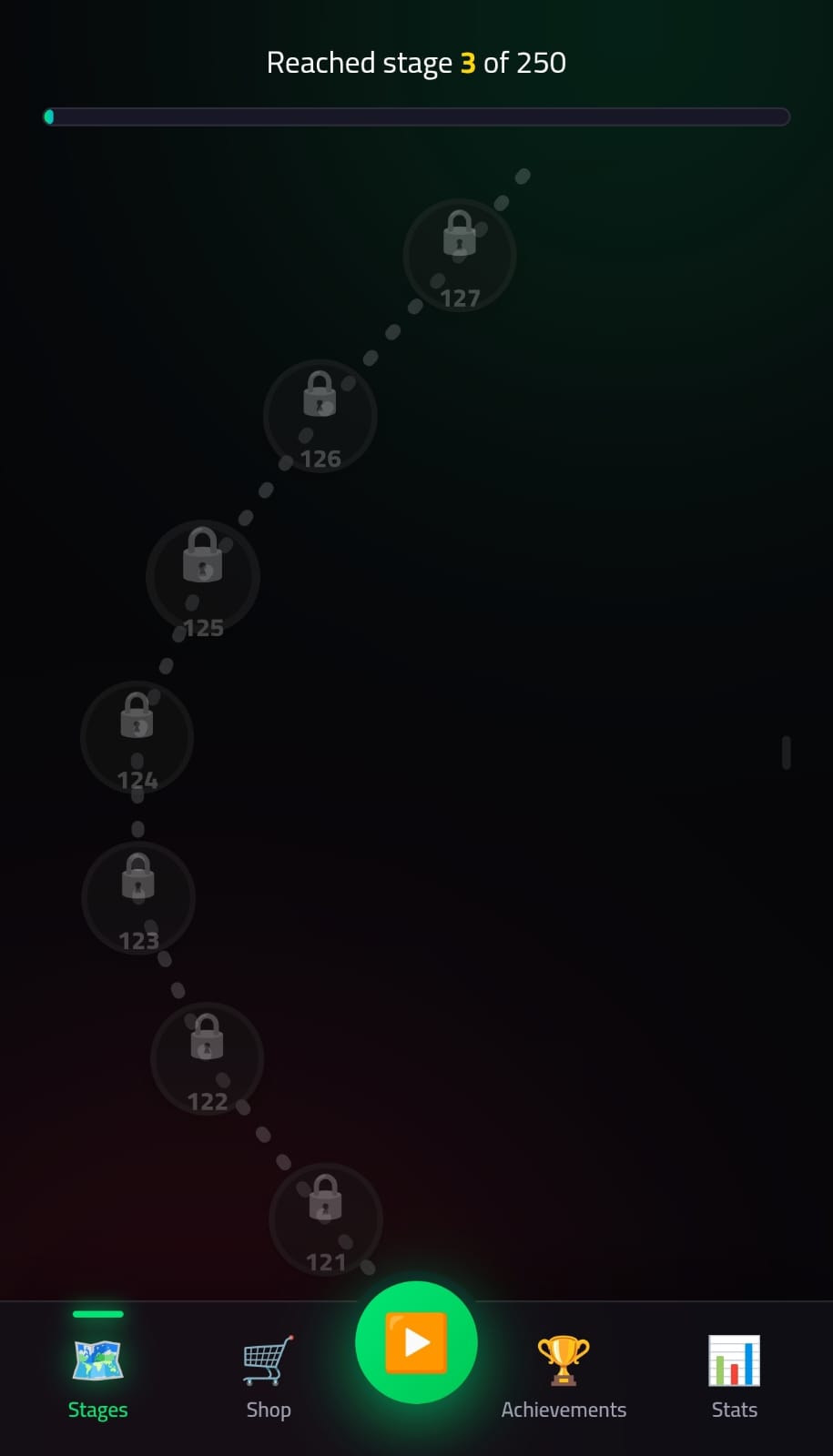
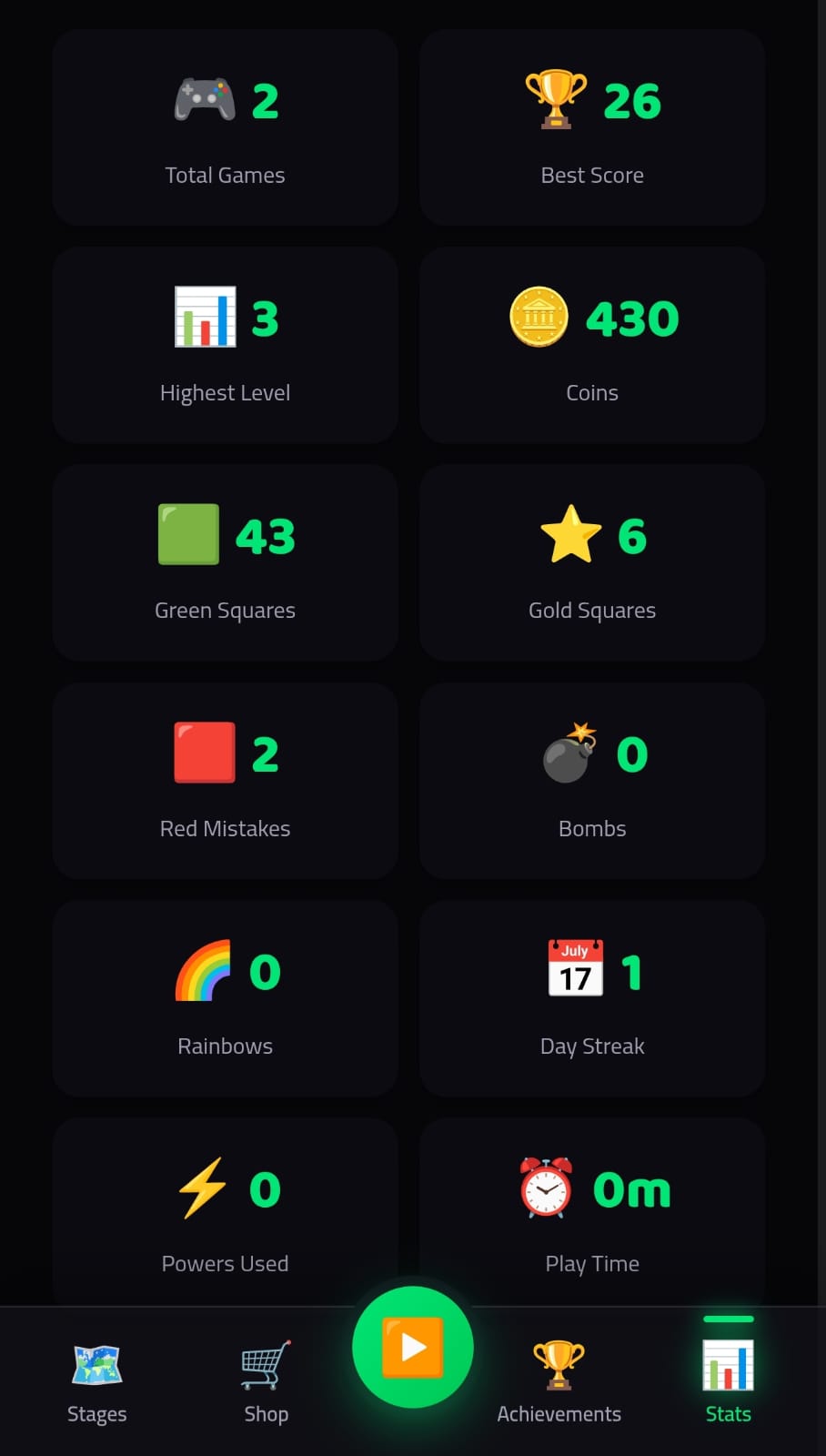
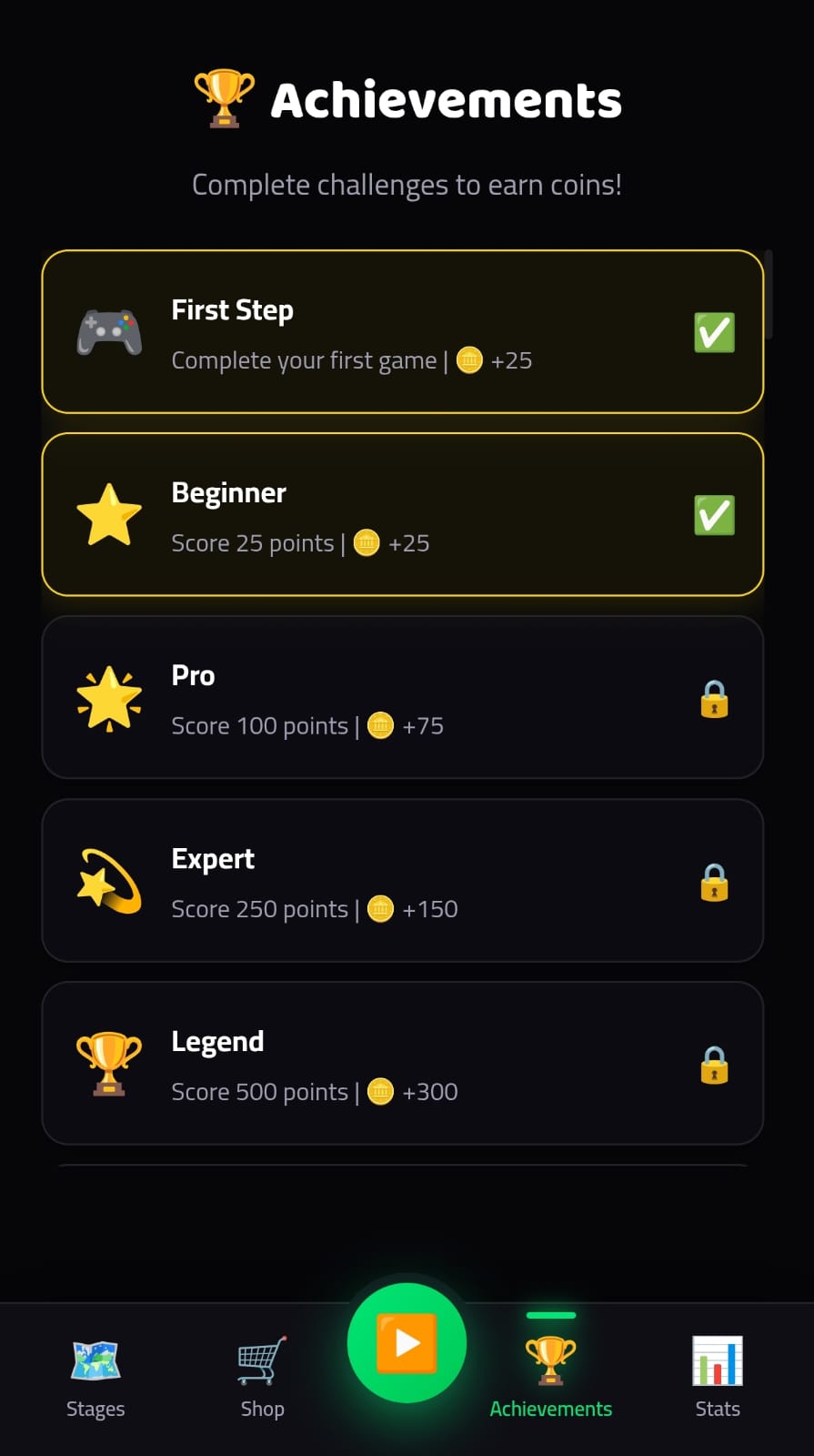
Featuring stunning visual themes such as Neon, Ocean, Sunset, and Forest, along with dynamic power-ups, protective shields, and a comprehensive achievement system, Don't Touch The Red! PRO delivers endless replay value. Whether you have a few minutes to spare or want to climb the global leaderboards, this game provides an addictive test of hand-eye coordination. Download now and prove your reflexes!
Download
Install instructions
Download & Installation Instructions
Thank you for downloading Don't Touch The Red! PRO. Please follow these simple steps to install the game on your Android device:
Step 1: Download the APK
Click the download button and wait for the file (app-release.apk) to finish downloading to your device.
Step 2: Enable "Unknown Sources"
Since you are installing this game directly through your browser (and not the Google Play Store), you may need to grant permission:
- Go to your device Settings.
- Navigate to Security or Apps.
- Look for "Install unknown apps" or "Unknown sources".
- Select your browser (e.g., Chrome) and toggle on "Allow from this source".
Step 3: Install the Game
- Open your Downloads folder or click the "Download Complete" notification.
- Tap on the app-release.apk file.
- Select "Install" when the system prompt appears.
Step 4: Launch and Play
Once the installation is complete, click "Open" or find the Don't Touch The Red! PRO icon on your home screen or app drawer to start playing!
Requirements & Notes
- Operating System: Android 5.0 (Lollipop) or higher.
- Storage: Approximately 10MB of free space.
- Permissions: The game may require standard internet permissions for features like leaderboards or ads. No special system access is required.
- Safe to Install: This file is the official release of the game and is safe for your
Leave a comment
Log in with itch.io to leave a comment.